
Tutorial
Image Loading & Display
Load and display images in a GPU window. Pass a path, get a window. JPEG, PNG, BMP, TGA, HDR supported.
| API level | Level 0 — OaGpuiApp + OaUiImage + OaImagePlanes |
| Image formats | JPEG, PNG, BMP, TGA, HDR (stb_image) |
| Display path | Vulkan compute → swapchain blit, letterboxed |
| Input | OaInputSystem key actions |
| Source | Tutorial/Vision/TutorialImageViewer.cpp |
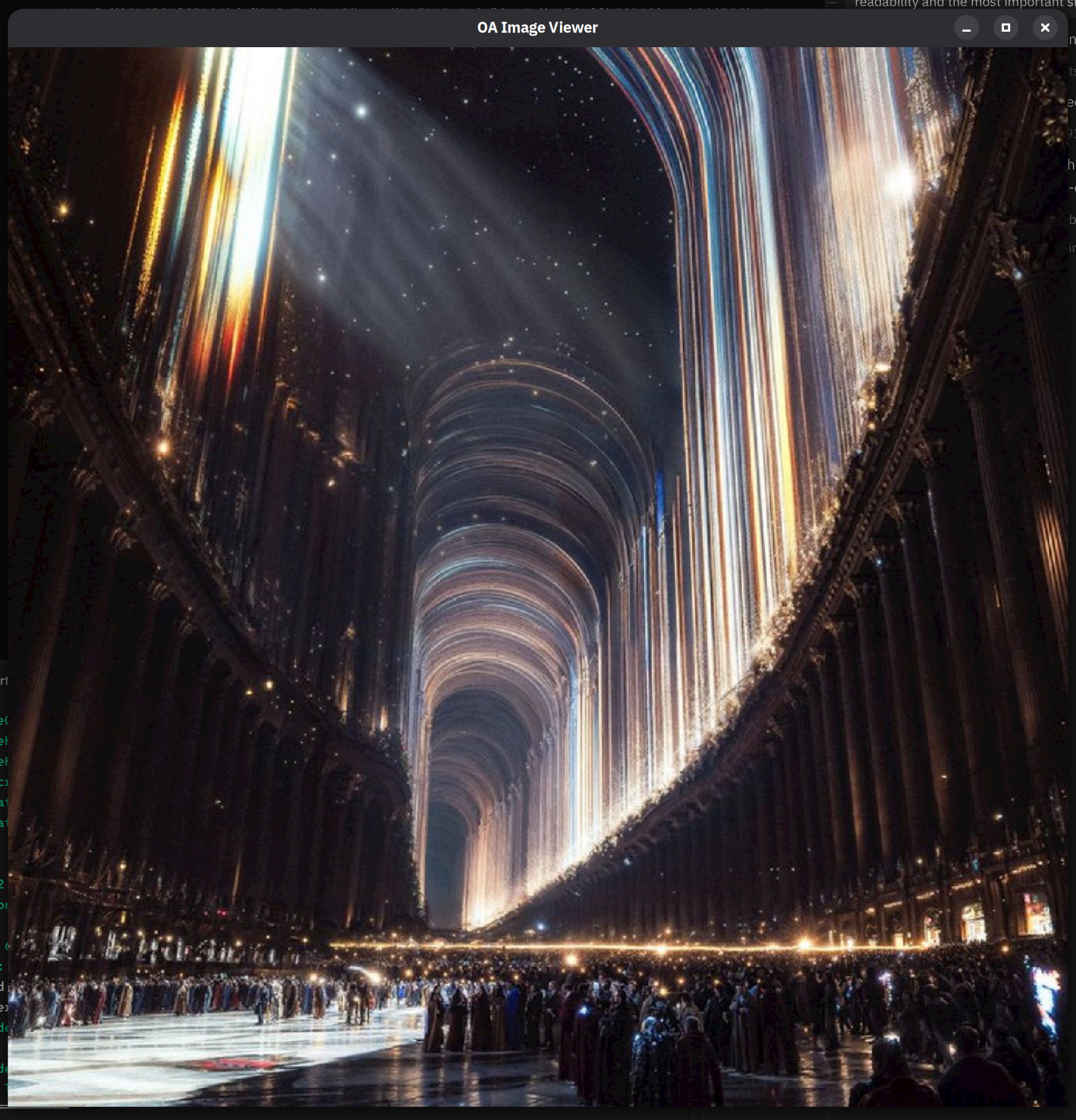
Controls
| Key | Action |
|---|---|
R | View RGB (full colour) |
1 | Red channel only |
2 | Green channel only |
3 | Blue channel only |
Q / Esc | Quit |
Bridge to ML
OaImagePlanes and OaMatrix are the same type family — an image loaded here can flow directly into a model without a copy:
Tutorialimageviewer.cpp
// After OaImagePlanes::LoadFile — same GPU buffer, no copyauto mat = OaFnImage::Normalize(planes, /*mean=*/0.485f, /*std=*/0.229f);// mat is OaMatrix [1, C, H, W] — ready for model.Forward()
Full Source
The complete 112-line tutorial is in Tutorial/Vision/TutorialImageViewer.cpp:
Tutorialimageviewer.cpp
// ═══════════════════════════════════════════════════════════════════════════// OA Tutorial: Image Loading and Display — Vision Fundamentals// Level 0 API — OaGpuiApp + OaUiImage + OaImagePlanes + OaInputSystem// ═══════════════════════════════════════════════════════════════════════════//// Source: oa/Tutorial/Vision/TutorialImageViewer.cpp// ═══════════════════════════════════════════════════════════════════════════#include <Oa/Runtime/Engine.h>#include <Oa/Ui/Gpui.h>#include <Oa/Ui/Image.h>enum class ViewMode : OaU8 { RGB = 0, R = 1, G = 2, B = 3 };class OaImageViewerApp : public OaGpuiApp {public:OaStringView Path_ = "Asset/Image/Realm1024px.jpg";void OnInit(OaGpui& InGpui) override {auto& rt = *OaVkComputeEngine::GetGlobal();if (auto r = OaUiImage::LoadFile(rt, Path_); r.IsOk()) { Image_ = *r; }if (auto r = OaImagePlanes::LoadFile(rt, Path_); r.IsOk()) { Planes_ = *r; }if (Image_.IsValid()) {ResizeWindow(Image_.Width, Image_.Height);}auto& input = InGpui.Input();input.RegisterAction({.Name = "quit", .Binding = {.Key = OuiKey::Escape}, .Callback = [this] { Quit(); }});input.RegisterAction({.Name = "quitq", .Binding = {.Key = OuiKey::Q}, .Callback = [this] { Quit(); }});input.RegisterAction({.Name = "rgb", .Binding = {.Key = OuiKey::R}, .Callback = [this] { Mode_ = ViewMode::RGB; }});input.RegisterAction({.Name = "red", .Binding = {.Key = OuiKey::Num1}, .Callback = [this] { Mode_ = ViewMode::R; }});input.RegisterAction({.Name = "green", .Binding = {.Key = OuiKey::Num2}, .Callback = [this] { Mode_ = ViewMode::G; }});input.RegisterAction({.Name = "blue", .Binding = {.Key = OuiKey::Num3}, .Callback = [this] { Mode_ = ViewMode::B; }});}void OnRender(Oui& InOui) override {if (!Image_.IsValid()) return;// Letterbox: fit image to window preserving aspect ratio.OaF32 W = (OaF32)Gpui().Width(), H = (OaF32)Gpui().Height();OaF32 a = (OaF32)Image_.Width / (OaF32)Image_.Height;OaI32 dW = (OaI32)W, dH = (OaI32)(W / a);if (dH > (OaI32)H) { dH = (OaI32)H; dW = (OaI32)(H * a); }OaI32 x = ((OaI32)W - dW) / 2, y = ((OaI32)H - dH) / 2;InOui.BeginPanel("image", {.X = x, .Y = y, .W = dW, .H = dH});if (Mode_ == ViewMode::RGB) {InOui.Image(Image_.BindlessIndex(), Image_.Width, Image_.Height);} else {OaU32 ch = (OaU32)Mode_ - 1;OaImagePlanes single;single.Width = Planes_.Width; single.Height = Planes_.Height;single.ChannelCount = 1;single.Planes[0] = Planes_.Planes[ch];single.Dtypes[0] = Planes_.Dtypes[ch];InOui.ImagePlanar(single);}InOui.EndPanel();}void OnShutdown(OaGpui& /*InGpui*/) override {auto& rt = *OaVkComputeEngine::GetGlobal();Planes_.Destroy(rt);Image_.Destroy(rt);}private:OaUiImage Image_;OaImagePlanes Planes_;ViewMode Mode_ = ViewMode::RGB;};int main(int argc, char** argv) {OaImageViewerApp app;if (argc > 1) app.Path_ = argv[1];return app.Run({.Title = "OA Image Viewer", .Width = 1280, .Height = 720}).IsOk() ? 0 : 1;}