
Powerful accelerators. Surrounded by glue.
OA—One API, Open Architecture—is Realm's unified, GPU-first framework and library: one execution system for numerical computing, machine learning, vision, audio, media, data, crypto, rendering, interfaces, and plotting.
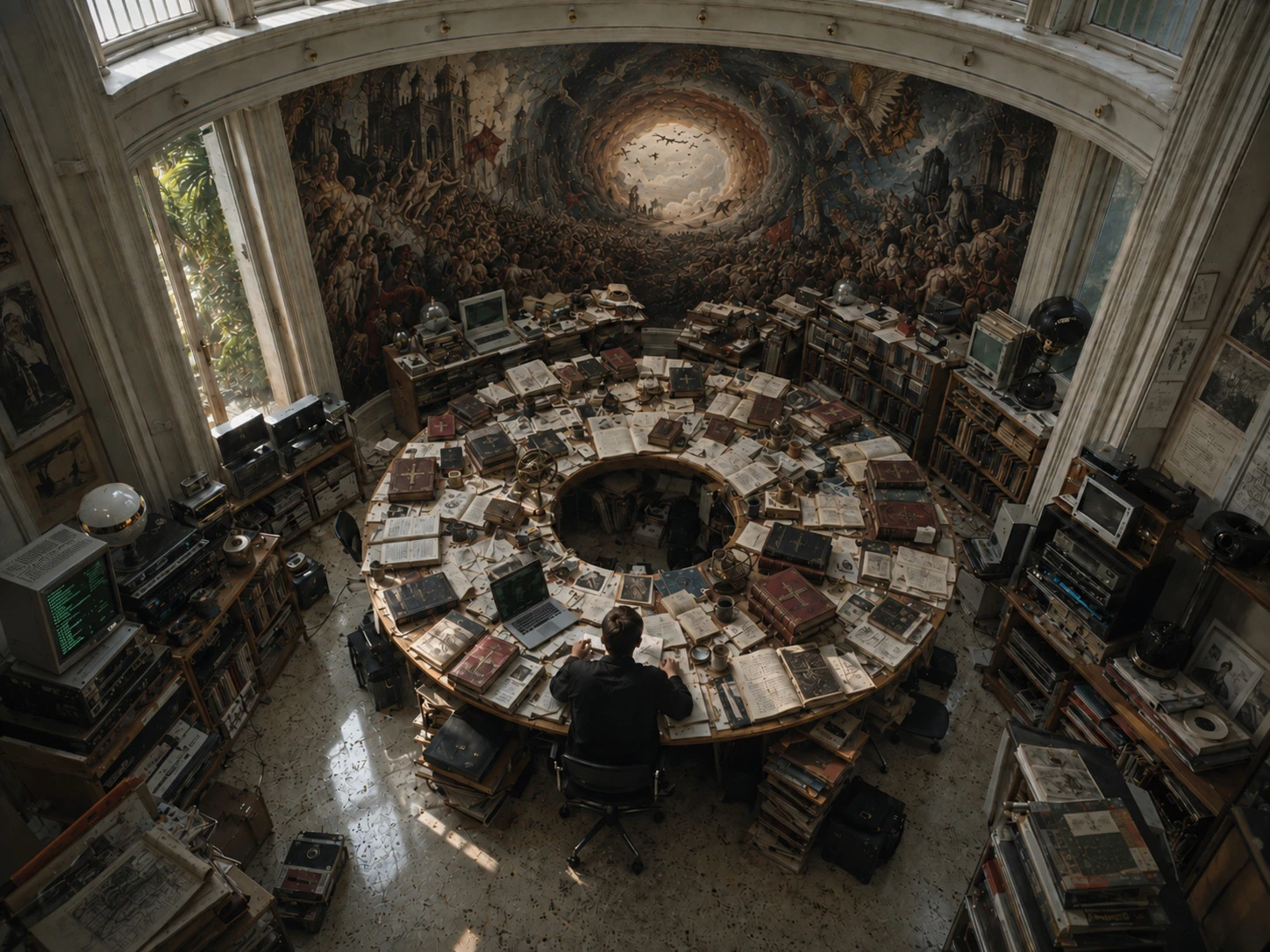
Directive
Realm is the research and engineering collective behind OA. The long objective is artificial consciousness. The immediate mission is concrete: remove infrastructure friction from the experiments required to reach it and give researchers direct, measurable control over the compute beneath their work.
OA is the instrument, not the claim. Neither this library nor the models built with it are presented as conscious. OA exists so the hard questions can be tested without first assembling an execution system from unrelated parts.
The problem
A useful intelligent system does not end at matrix multiplication. It captures or decodes data, transforms it, trains or executes a model, evaluates the result, preserves state, and then displays, plays, encodes, or transmits the output. Conventional workflows often split that path across libraries, allocators, queues, runtimes, and language boundaries.
Every handoff adds integration work. It may also add a conversion, allocation, copy, synchronization point, deployment dependency, or opaque fallback. The hardware is powerful; the surrounding glue becomes the system. OA began as a refusal to accept that arrangement.
OA answers with one library, one engine, one resource model, and one completion contract. It keeps computational values on the device from ingestion through the final GPU consumer. Host transfer is an explicit boundary, not an accidental step between operations.
OA deliberately calls its multidimensional numerical value Matrix instead of introducing a second Tensor name for ML. That practical vocabulary does not erase domain meaning: images, audio, video frames, textures, and meshes remain distinct public values even when their representations permit storage-sharing matrix views. Views replace copies when representation and lifetime allow it.
Devices enter through Vulkan capability checks and qualified execution routes, never through a brand allow-list. Unsupported paths fail closed instead of silently changing the workload.
Runtime authority
OA is not a Vulkan object wrapper and it is not a thin front end to somebody else's SDK. It is an end-to-end runtime. High-level code describes semantic operations whileoa::Engine owns the local device, memory, queues, kernels, scheduling, and profiling services beneath them.
The backend selects qualified kernels, manages resource lifetimes, lowers graph hazards, and coordinates execution. Submission and completion remain explicit: submitted work returns its exact oa::Event. Values retain domain semantics; statelessoa::Fn* operations transform them; sessions own stateful processes.
Host foundations without borrowed semantics
Not every useful value should become a device operation. OA's immediate host foundation owns its containers, formatting, memory primitives, and small spatial values directly.oa::vlm provides packed F32/F64 vectors, quaternions, and Mat3/Mat4 values for cameras, rendering, animation, UI, and SDK simulation. It remains distinct from device-residentoa::Matrix computation.
VLM fixes one right-handed, row-vector, row-major Vulkan convention and keeps validation inside its public contract. Its current fixed-host qualification covers 50 operation families in both precisions. All 27 equivalent arithmetic families reached parity or better against GLM 1.1.0; checked and fail-closed routes are reported separately because their raw GLM peers do not perform equivalent validation. See the complete VLM comparison.
One runtime. Two front ends.
Python is an authoring surface over the same native OA values, operations, and Vulkan execution as C++. Matrices, gradients, optimizer state, and graph execution remain inside OA rather than moving through a second host implementation between operations.
| Metric | C++ | Python | Difference |
|---|---|---|---|
| Wall time / step | 6.50 ms | 6.848 ms | C++ −5.1% |
| Training throughput | 9.85K sample/s | 9.35K sample/s | C++ +5.4% |
| Final accuracy | 93.8% | 93.5% | Both pass |
| Controlled NLP matrix | 15 / 15 | 15 / 15 | Quality parity |
One excluded warm-up and seven fresh Release processes were measured per language on the current qualified device. C++ full spread was 2.92%; Python was 6.16%. The measured C++ throughput lead was 5.4% for this workload—not every model or device.
Research objective
Today's models are formidable learned computational systems. Their ability to produce an experience of intelligence does not settle the scientific question of consciousness, and market acceptance does not close that question for us.
Realm raises the requirement before the ticket exists. We pursue observable state, mechanistic tests, persistent memory, deliberation, world models, and architectures whose claims can survive intervention—not merely presentation. OA is the laboratory substrate for that pursuit. Artificial consciousness is a research direction, not a shipped capability.
If that frontier is crossed, “artificial” will matter less than the new intelligence humanity has learned to recognize. Until then: measure, falsify, refine, persist. Read the Realm operating standard.
Quick start
Both front ends describe the same matrix operation. The result remains device-resident until the example explicitly requests a host copy.
1#include <oa/oa.h>23auto matA = oa::FnMatrix::randN({1024, 64});4auto matB = oa::FnMatrix::randN({128, 64});5auto matC = oa::FnMatrix::matMulNt(matA, matB);6auto hostValues = oa::FnMatrix::copyToHost(matC);7
Open admission
OA is intended for everyone building compute-intensive systems: researchers, engineers, artists, scientists, students, and application developers. The admission rule is technical, not commercial: a platform needs a Vulkan-capable route that OA can test and qualify.
Linux is the currently qualified operating system. Windows support is planned. Apple platforms remain outside the supported matrix until a viable Vulkan route can satisfy the same correctness and capability gates. Portability is a contract, not a logo collection.